HOW TO ENABLE SSH ACCESS TO MY USERS VIA WHM ROOT? [STEP BY STEP]☑️
Today in this documentation you will learn how to enable SSH access to my users via WHM root. So before getting started with step by step guide watch out this video first to learn how to enable shell access to your users via WHM root. Take care of every steps carefully so that you don’t miss anything.
Follow the steps given below to learn how to enable SSH access to users via root:
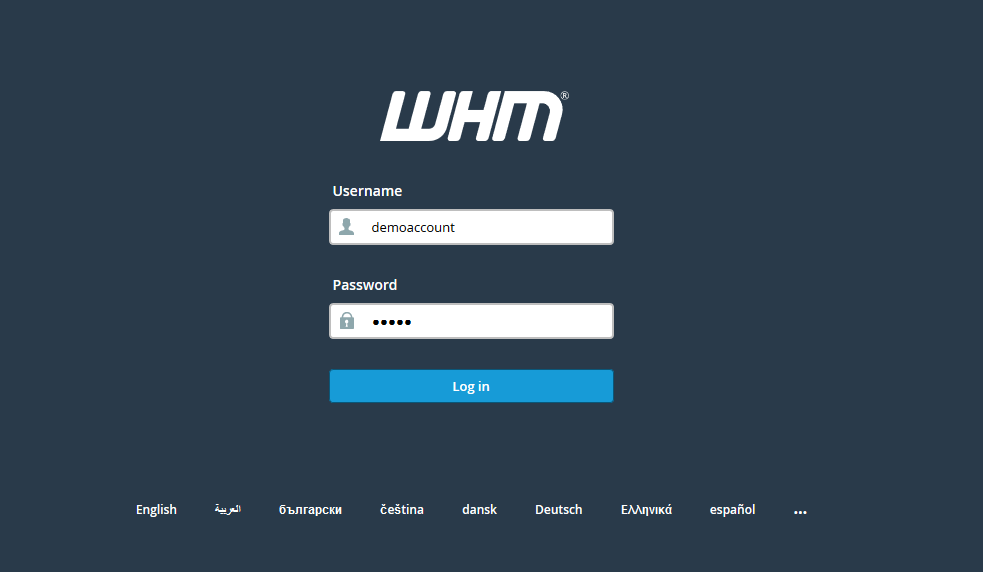
Step::1 Login to your WHM Root

Step::2 Navigate to Account Function section

Step::3 Now Tap on Manage Shell access

Here you can enable shell access to users you want
Step::4 Search user by providing Username in the search box

Step::5 Click on Apply
If you enjoyed this tutorial, please consider following us on Facebook and Twitter.
Facebook Page- https://facebook.com/redserverhost
Twitter Page– https://twitter.com/redserverhost.com
If you have any query, feel free to let us know via the comments section below.
Thanks for Reading!!!
Tags: cheap linux hosting, buy linux hosting, cheap reseller hosting, buy reseller hosting, best reseller hosting, cheap web hosting, cheapest web hosting, cheapest reseller hosting, cheap reseller host, cheap linux host, cheapest linux hosting, best linux hosting, best web hosting