HOW TO PREVENT USERS FROM ACCESSING FILES OUTSIDE PUBLIC_HTML WITH PHP? [STEP BY STEP]☑️
Today in this documentation you will learn how to prevent users from opening files outside their home directory with php. So before getting started let us quick watch this short video tutorial on how to prevent users from opening files outside their home directory with php.
Follow the steps to prevent users from accessing files outside home directory with php:
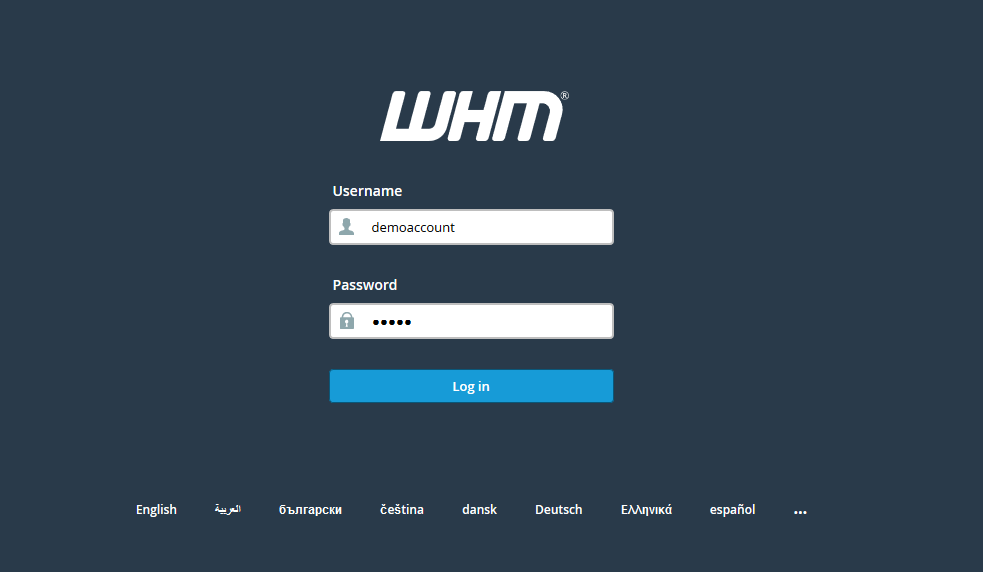
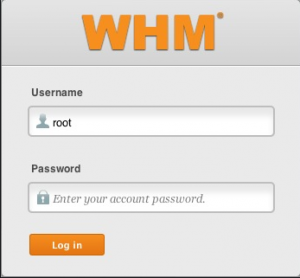
Step::1 Login to WHM as root
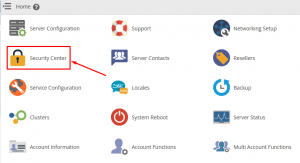
Step::2 Navigate to Security Center option
Step::3 Click on PHP open_basedir Tweak option
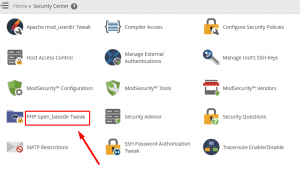
Step::4 Tick on Enable php open_basedir Protection
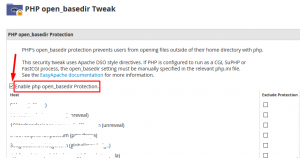
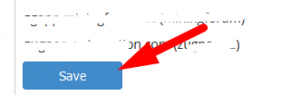
Step::5 Then click on Save button
That’s it!!!
For more information, kindly follow us on social media like Twitter and Facebook and for video tutorials, subscribe to our YouTube channel –https://youtube.com/redserverhost.com
Facebook Page- https://facebook.com/redserverhost
Twitter Page- https://twitter.com/redserverhost.com
If you have any query, feel free to let us know via the comments section below.
Thanks for Reading!!!
Tags: cheap linux hosting, buy linux hosting, cheap reseller hosting, buy reseller hosting, best reseller hosting, cheap web hosting, cheapest web hosting, cheapest reseller hosting, cheap reseller host, cheap linux host, cheapest linux hosting, best linux hosting, best web hosting